

You don’t need an Instagram account, password or app to watch someone’s public stories. A no-login Instagram story viewer fetches the story server-side from any modern browser, plays it for you in the page, and never asks you to log in. You stay anonymous, the owner sees no view, and there is no credential anywhere for a third party to leak.
⚡ Key takeaways
- No account, no password, no app — just a username and a browser.
- Works for public profiles on any modern phone, tablet or laptop.
- You’re anonymous — your name never appears in the owner’s viewer list.
- Private accounts stay private; this is the design, and a feature, not a flaw.
- Trust the tool that says “no login” on the screen — never one that asks for your Instagram password.
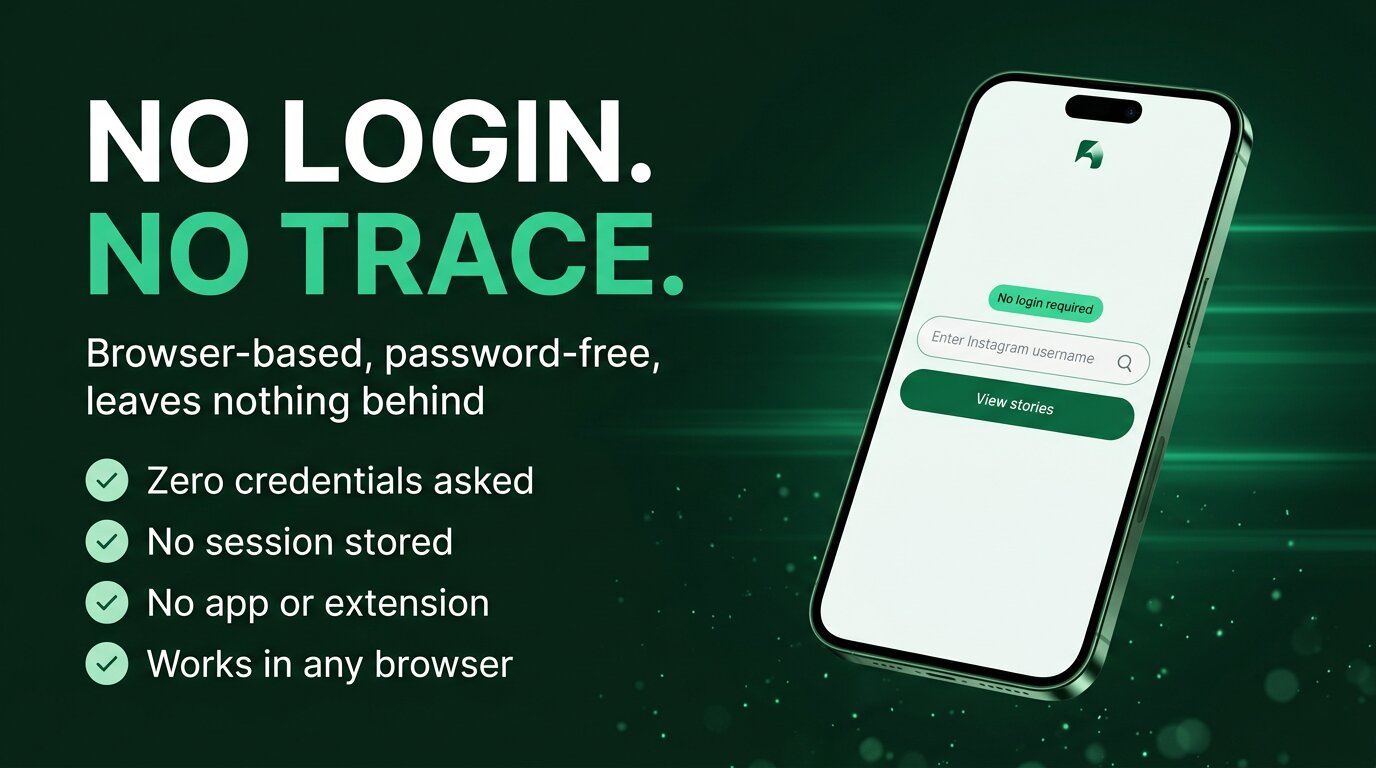
A no-login Instagram story viewer does one thing: it lets you watch any public Instagram story without an Instagram account, a password, an app, or any other credential. You open a website, type the username, and the public stories play. That’s the entire flow. The first time you use one, the part that surprises people is how boring it is — no signup, no permission prompt, no “continue with Facebook”, no two-factor dance. It is what Instagram itself looks like for a logged-out visitor on a public profile, plus a viewer-friendly player.
This guide explains why the no-login design is the safer, simpler choice, exactly how it works under the hood, what to do in three taps, what kinds of devices it runs on, and how to tell a trustworthy no-login viewer from one that is quietly trying to phish you. We will also be honest about its boundaries — what no-login viewers genuinely cannot do, so you don’t waste time looking for a tool that can.
Why no login is the safer way
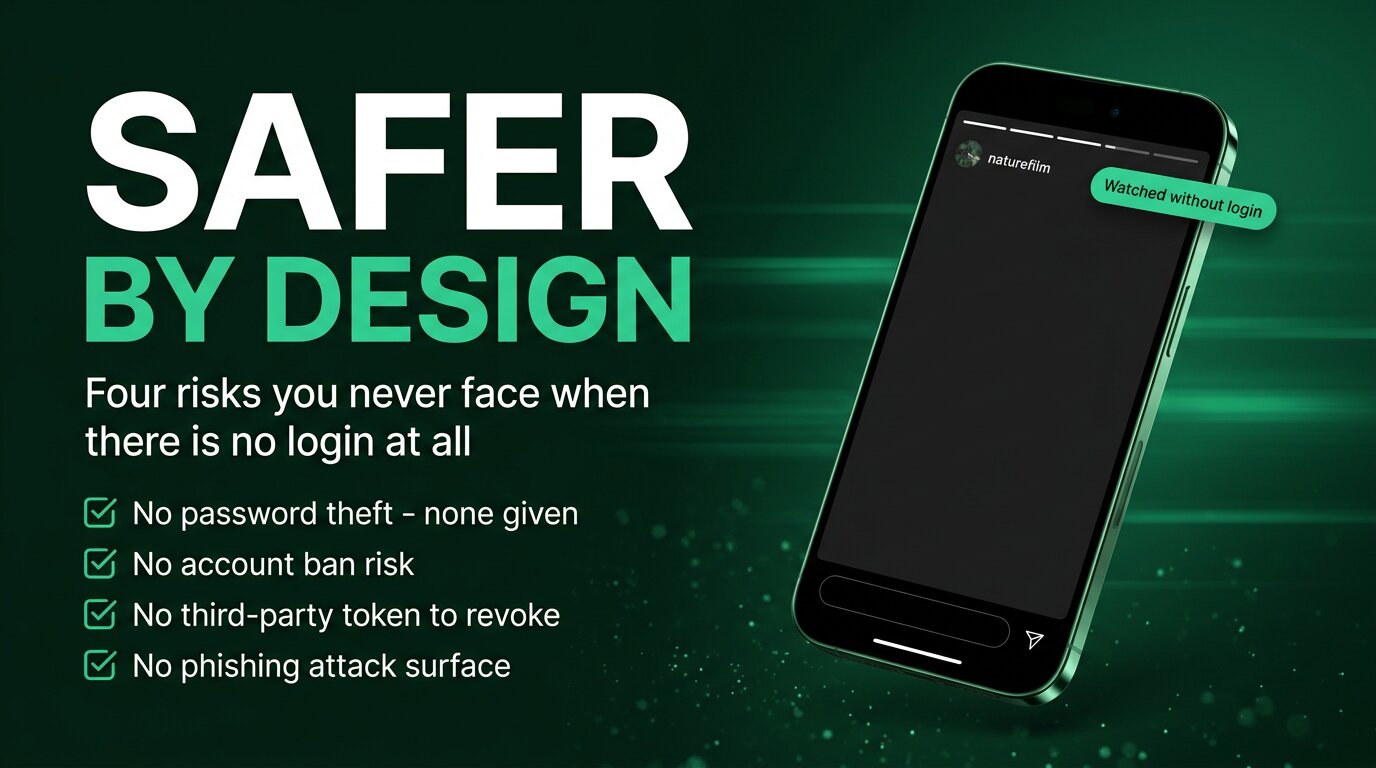
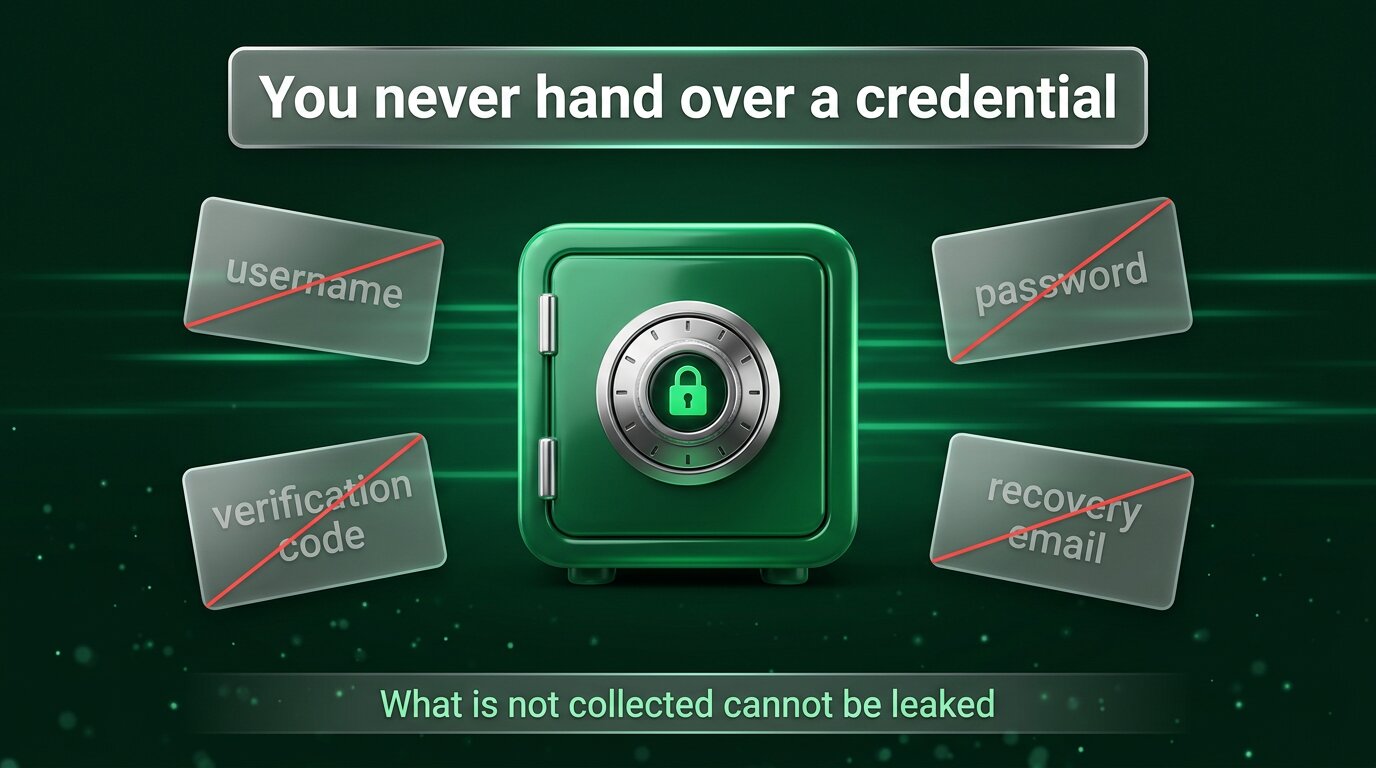
The strongest argument for no-login viewers isn’t convenience — it’s security. What is not collected cannot be leaked, sold, or stolen. Every login-based tool, no matter how well-intentioned, becomes a target the moment it stores credentials. Every breach you read about — password dumps, scraper services, abandoned startups that sold their database — came from somewhere that asked for a login it did not strictly need.
The risks you walk past entirely with a no-login viewer:
- No password theft. You never give a password, so no third-party server is storing one.
- No account ban. Instagram cannot revoke or restrict an account that was never logged into the tool.
- No revoked-token panic. No OAuth token sits in some service’s database waiting for the next quarterly key rotation to break.
- No phishing attack surface. A fake login screen has nothing to imitate — the real tool never asks for a login.
- No tracking pixel on a logged-in session. Without a session there is no logged-in user for third-party analytics to fingerprint.
A useful way to think about it: a no-login viewer is like reading a newspaper article without an account. The newspaper’s server returned the article to your browser. The newspaper has no idea who you are, what time you read it, or whether you read the next one. That should be the default for any tool that simply renders public content. No-login viewers restore that default to Instagram.
How it works without an account
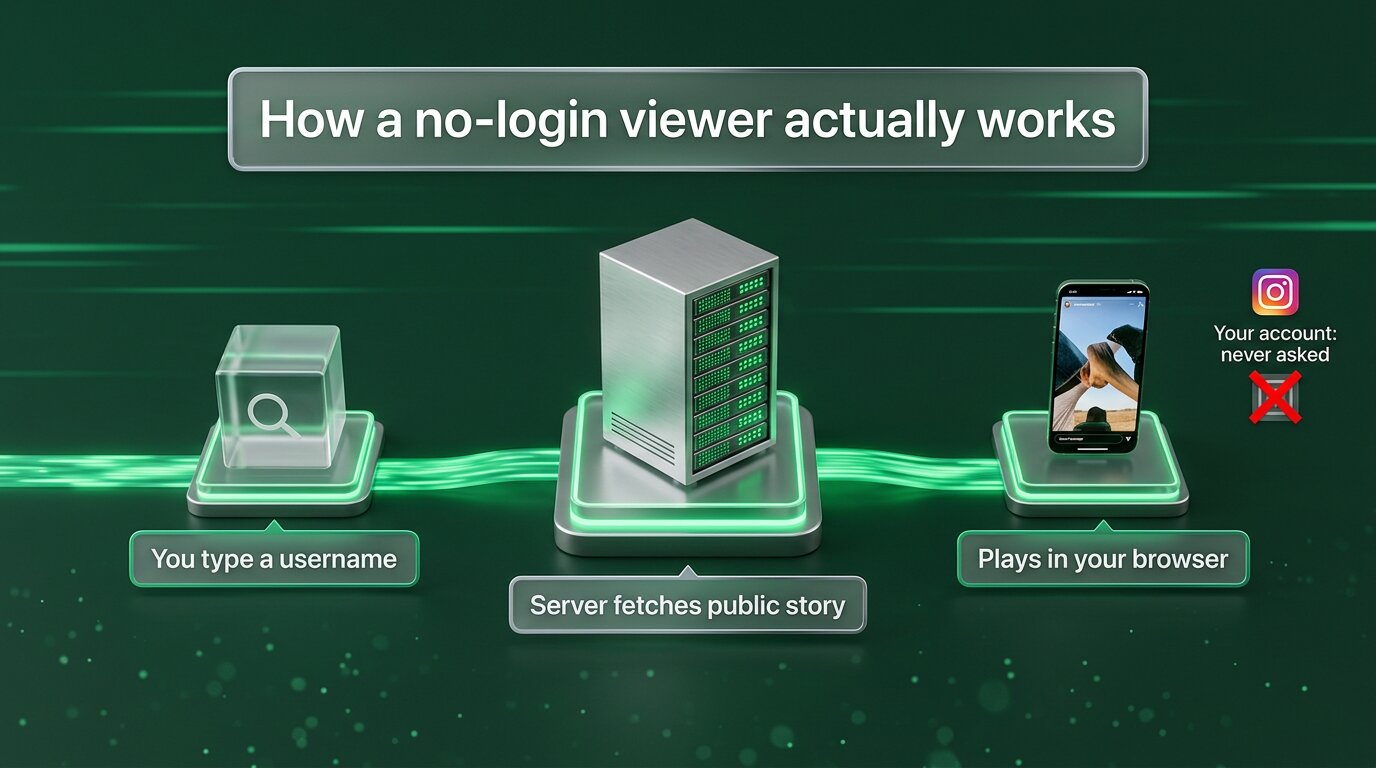
Mechanically it is simpler than people assume. You type a username into the viewer. The viewer’s server makes a request to Instagram’s public endpoints — the same endpoints any web browser hits when it loads a public profile page. Instagram returns the public story media. The viewer’s server hands that media to your browser, which plays it. Your account, your cookies, your session: none of those exist in this path.
Three properties fall out of that design:
- It is server-side, not browser-side — nothing in your browser ever speaks to Instagram, so nothing local fingerprints you.
- It is logged-out, not logged-in — the viewer treats every visit as an anonymous public-web request.
- It is media-only — the viewer pulls just the story stream, not your friend graph or messages or any other private surface.
What the owner sees on the other side is also simple: nothing. Their Viewers panel shows the same names it would have shown if you had not visited at all, because no view event was generated from a logged-in account. Anonymity is not added on top; it’s a consequence of never having logged in in the first place.
Three taps, no login
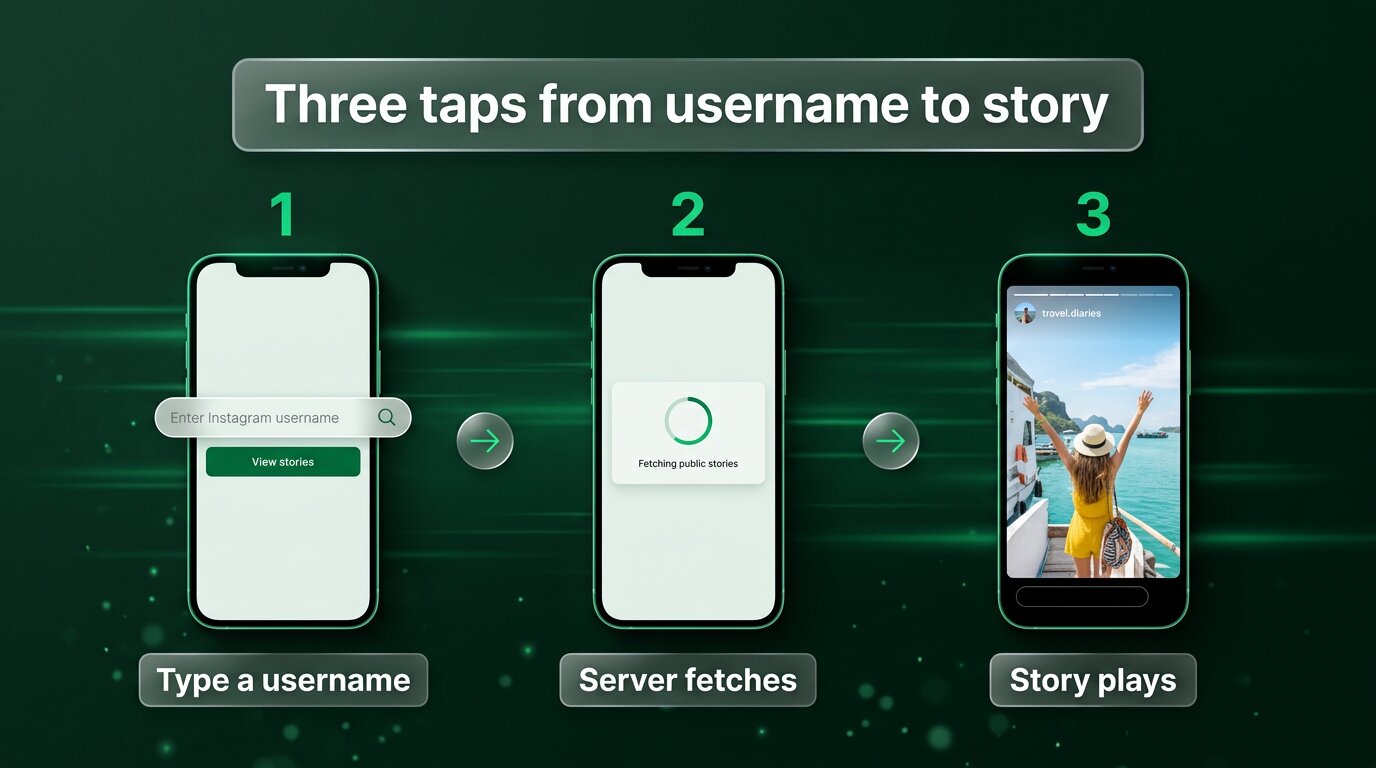
The entire user flow is short. Most first-time users finish their first watch in under fifteen seconds and never quite believe that was all of it.
- Open the viewer. Any modern browser — Chrome, Safari, Firefox, Edge, Opera, Brave — on any device with a screen. No app to install.
- Type the public username. Just the handle, no @ symbol needed. The viewer fetches the public story feed on its server.
- Watch. Stories play directly in the page. You can pause, scrub through, jump between them, often save them to your device. No further prompts.
There is no step where the tool asks for your email, where it requires you to verify a phone number, where it offers to send you marketing, or where it makes you wait through an ad while it pretends to load. If you find a “no-login viewer” that does any of those, treat the “no-login” promise as already broken — the business model is somewhere other than where the page says it is.
Works on any device
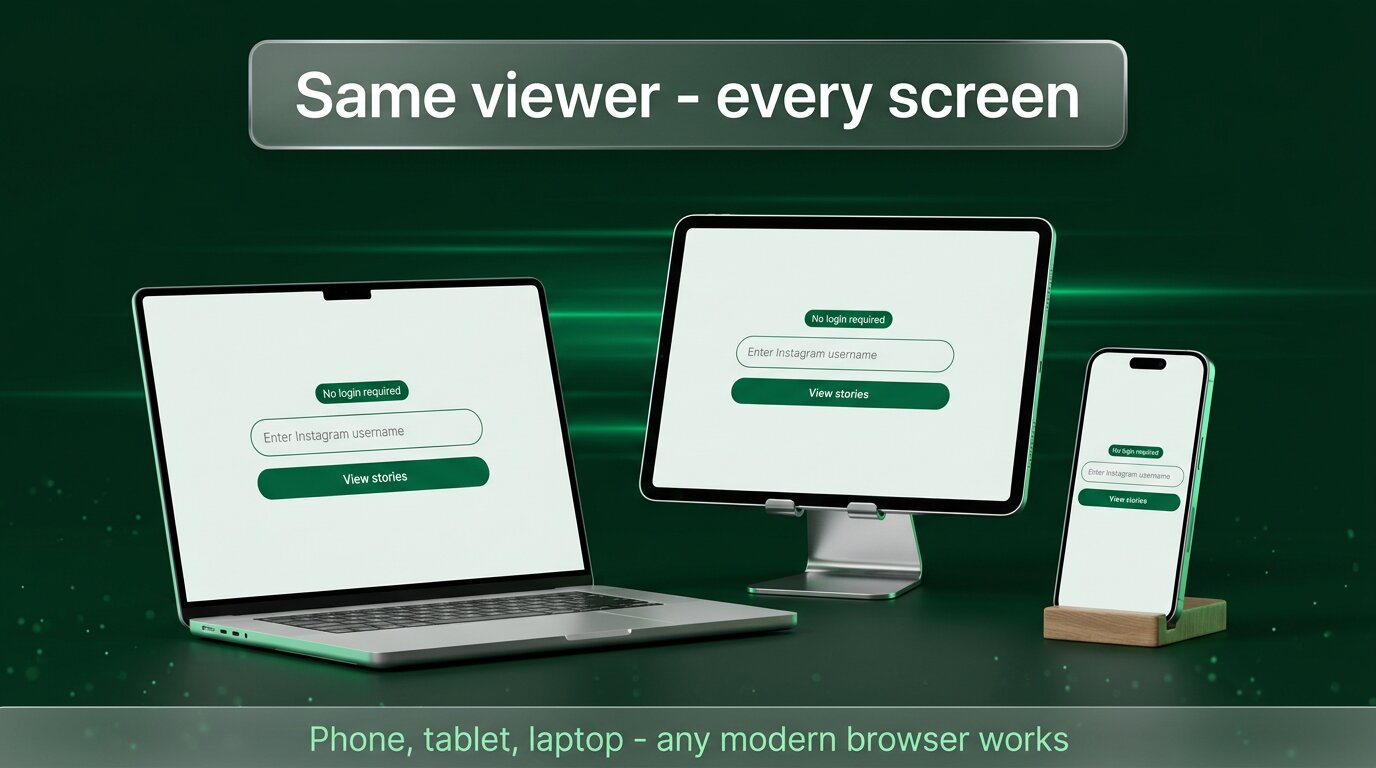
Because everything happens in a normal browser, the device list is essentially “anything from the last decade.” The same URL works on a flagship phone, a five-year-old tablet, a school chromebook, a borrowed laptop in a hotel lobby, a desktop you don’t own and don’t want to leave a trace on. There is no install, no permission prompt, no operating-system version check.
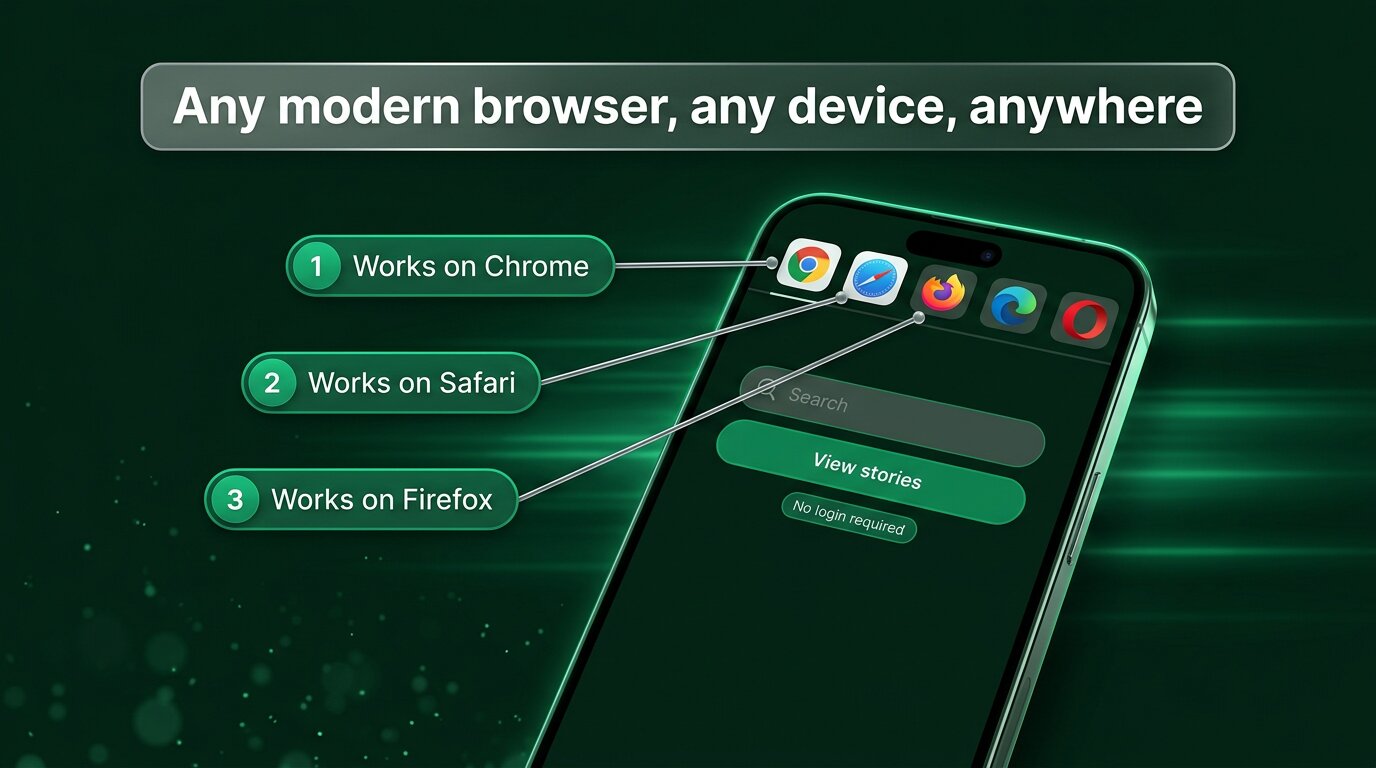
That cross-device flexibility makes no-login viewers especially useful in real-life situations where an app-and-login workflow is awkward or unsafe:
- Borrowed or shared computers, where logging into your real Instagram would leave a session behind.
- Work laptops with corporate restrictions that block social-media app installs.
- Travel, where you don’t want to enter credentials on hotel or airport Wi-Fi.
- Devices you’ve given a child — you can show them a specific creator’s story without setting up a whole Instagram account on the device.
- Old phones that no longer get app updates — the Instagram app has stopped supporting them, but a browser still works.
Staying safe with online viewers
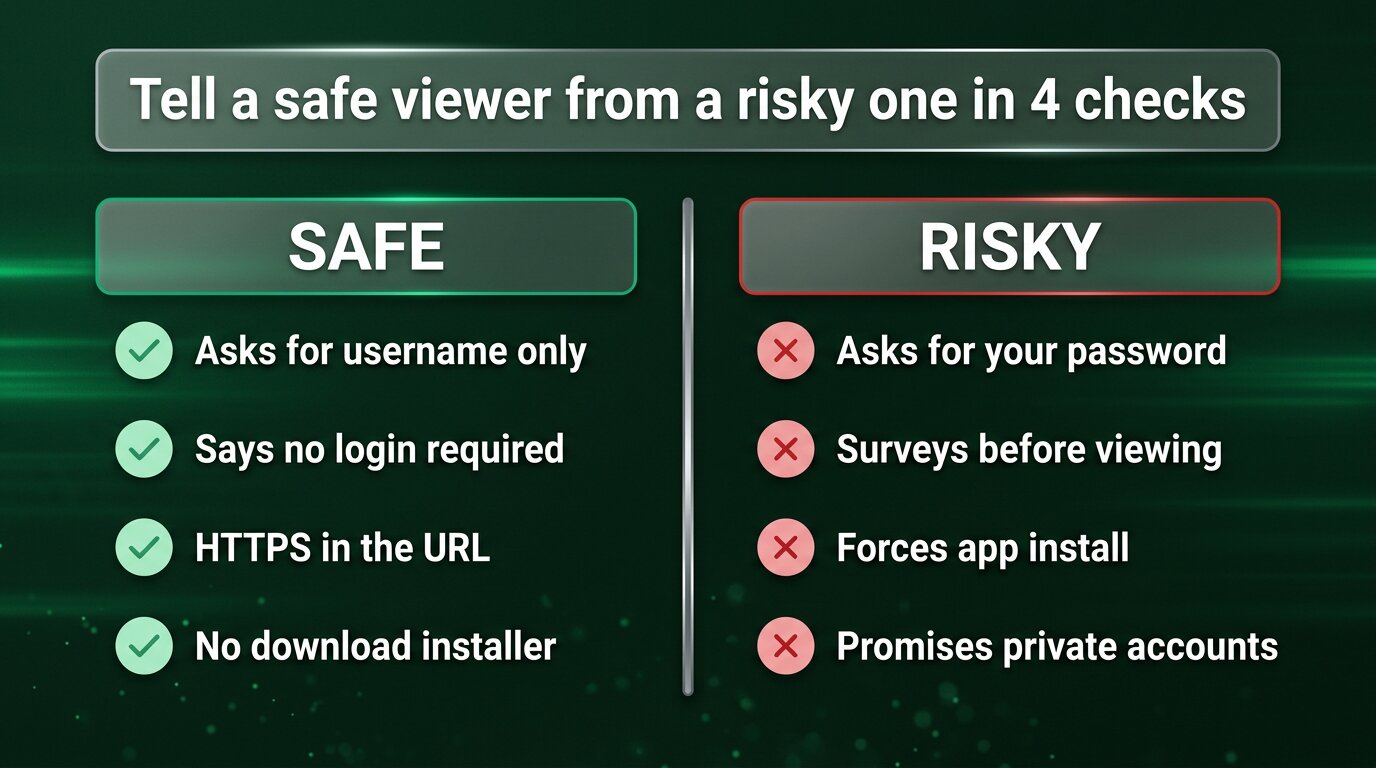
Most reputable no-login viewers are exactly what they say on the tin. A handful of imposter sites are not. Before you trust any tool, run through this 30-second checklist:
- Asks for username only. The page should ask for one thing: a public Instagram handle. Anything else — password, OTP, email, phone — means it is not really a no-login viewer.
- Says “no login” on the screen. A real no-login viewer markets the no-login experience prominently. If you have to hunt for that promise, the design isn’t built around it.
- HTTPS in the URL. A padlock and an https:// prefix should be standard for any modern tool. No exceptions.
- No download installer. Honest viewers run in the browser. A “download our extension” or “install our app” gate before viewing is a major red flag.
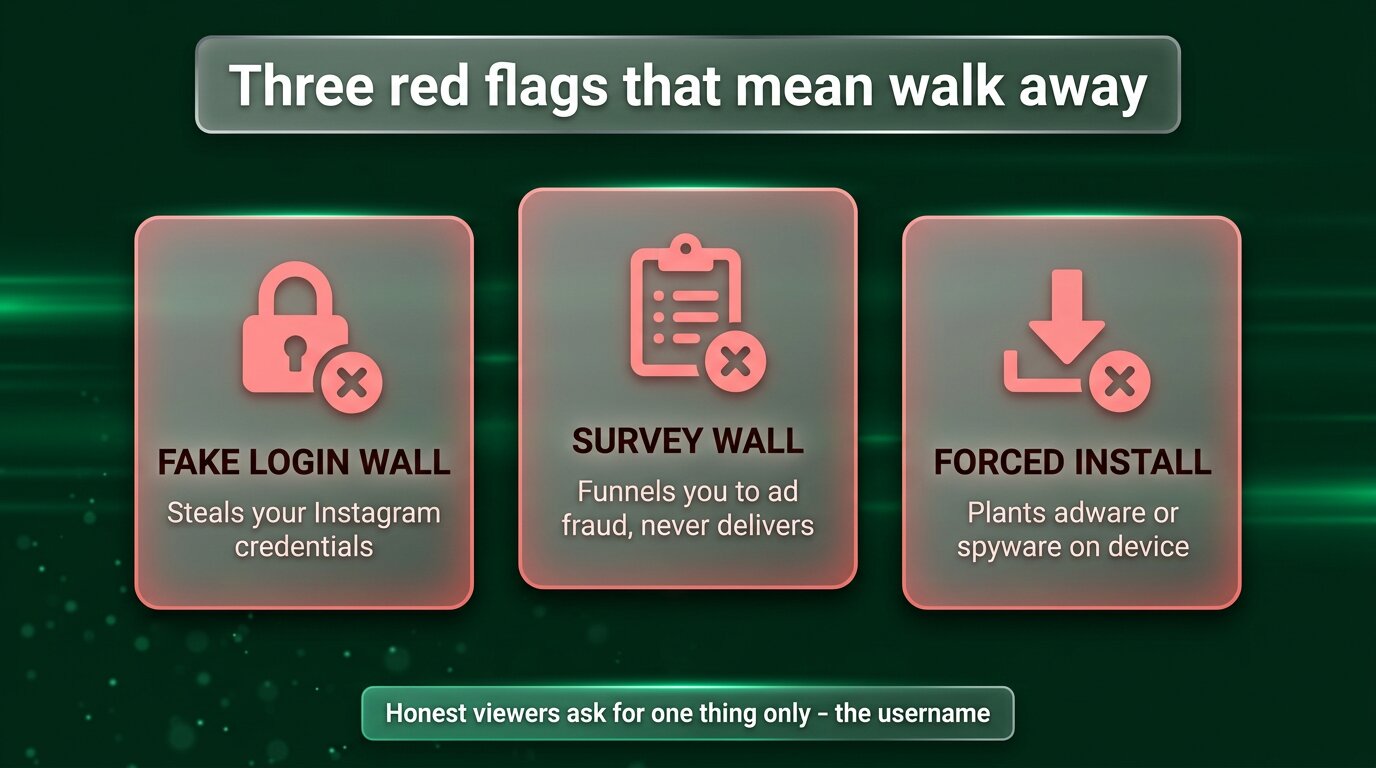
If you see any of these red flags, close the tab and find another tool:
- A fake Instagram login form. Any third-party site that asks for your real Instagram password is either incompetent or hostile. There is no version of this you should trust.
- A survey wall. “Complete this survey to unlock the viewer” is a classic ad-fraud funnel. The viewer almost never works at the end of it.
- A forced app install. Real no-login viewers run in the browser. An app demand before viewing is a side-loaded adware or spyware play.
- Promises to view private accounts. This is impossible by Instagram’s design. Anyone claiming it is lying about something.
What “no login” actually means
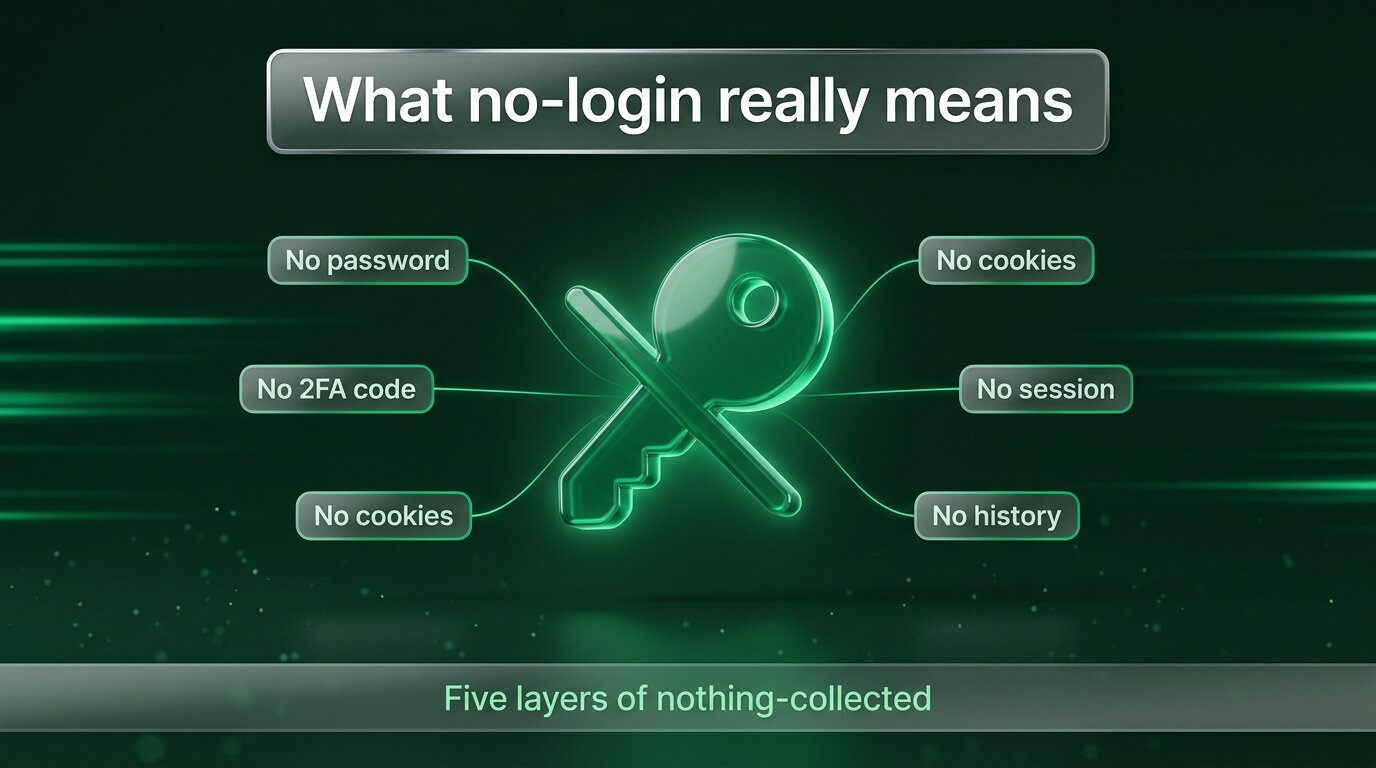
“No login” is sometimes used loosely. In a true no-login viewer, it should mean all of the following:
- No username. Yours, that is. The username you type is the target — the public profile you want to view, not your own.
- No password. Of any service. Not Instagram, not Facebook, not Google.
- No 2FA code. Nothing routes a verification text or email to your phone or inbox.
- No cookie. The viewer doesn’t need a logged-in session cookie to do its job, because it never logs in.
- No history. No account-level “recent searches” tied to you. Maybe a short, anonymous client-side recents list to make daily use convenient — that’s it.
If any of those five things is required, the tool is “low-login” or “simplified-login” — not no-login. The two design philosophies are different in their security properties, even when they look similar on the surface.
When would an account-based viewer ever make sense?
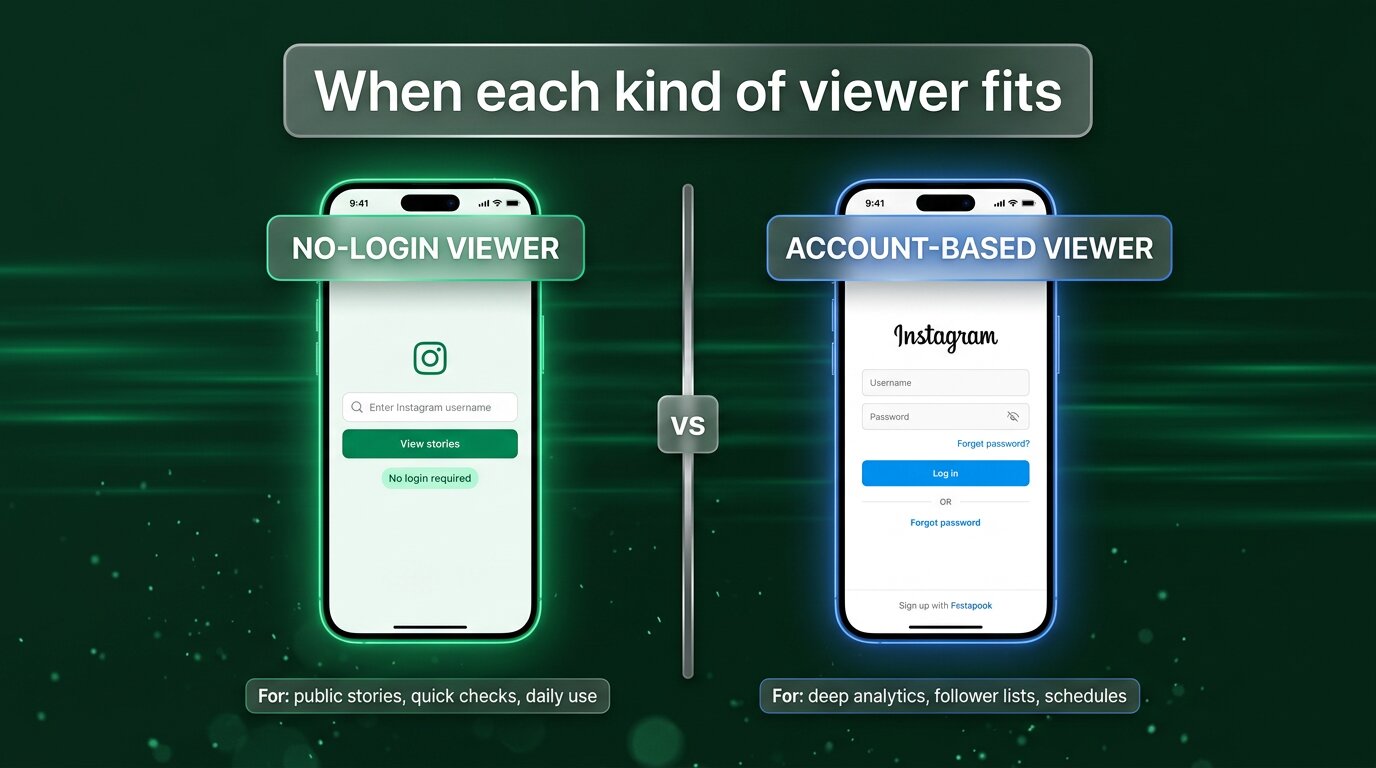
For pure story-watching, no-login is almost always the right design. There are a few advanced use cases where an account-based tool still makes sense — usually because the tool is doing something more than simply showing public stories:
- Full-graph analytics across an account you own. Follower demographics, post-time-of-day analysis, engagement-rate dashboards — this requires authenticated access to your own account’s data, which only your login can provide.
- Scheduling and posting from a tool. If a tool publishes on your behalf, it has to be logged into your account — ideally via Meta’s official Graph API, not by handing it your password.
- Direct-message workflows. Inbox tools, support tools, lead-routing tools — all involve writing back into your account, which requires authentication.
- Private accounts you are a follower of. If you already have access to a private account through Instagram itself, an account-based tool can surface it inside your other workflow tabs.
The general rule: if all you want is to watch and save public stories, no-login is plenty. If you want analytics on your own account or scheduled publishing across multiple accounts, you’ll need an authenticated tool — and you should make sure it uses Meta’s official API, not a stolen-cookie hack.
The public-only limit
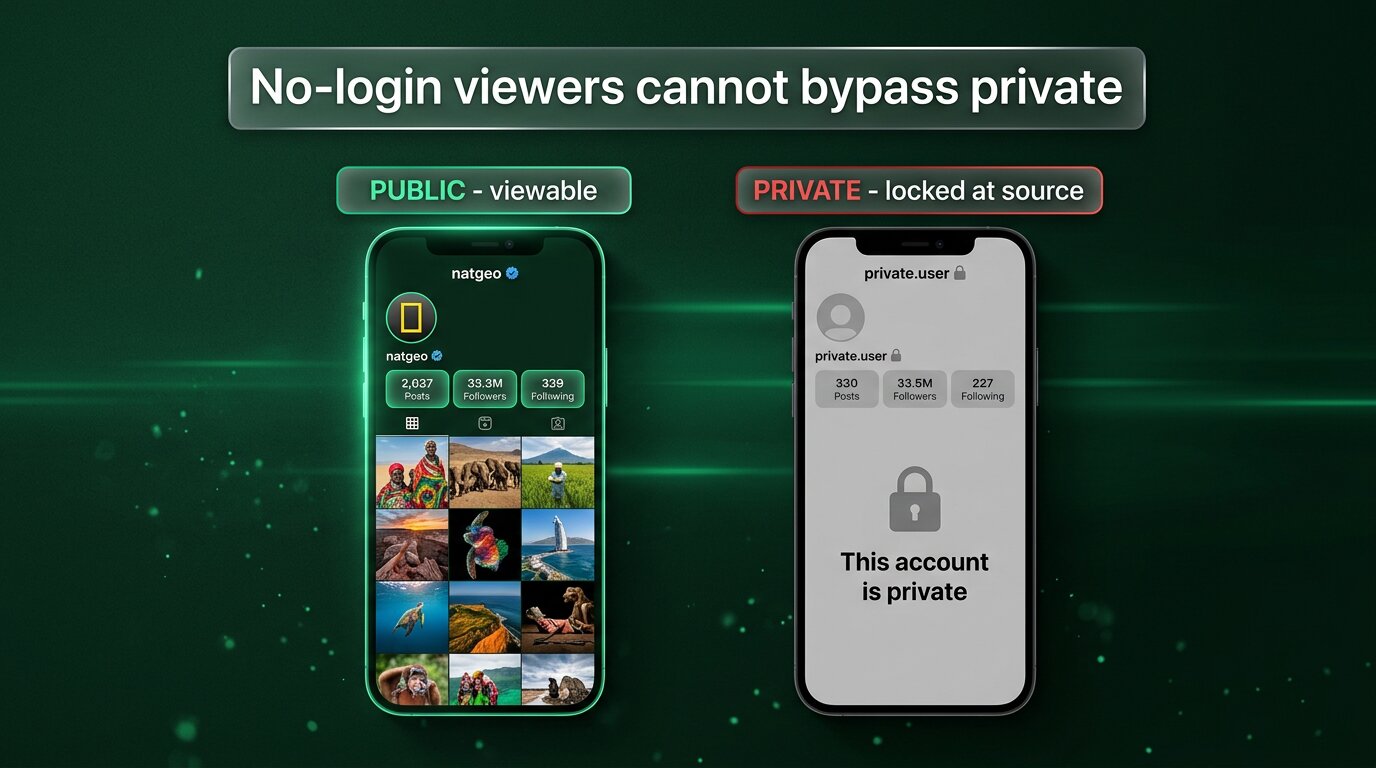
One honest limit to call out: no-login viewers can only show public accounts. Private profiles — the ones with the small padlock icon — are gated at Instagram’s own server. Instagram simply will not return that media to any request that is not coming from an approved follower. No third-party tool, anonymous or otherwise, gets around that. It is the correct design.
If a site claims it can view private accounts without login, it is doing one of four things: lying outright, stealing the password you give it, showing you fake content, or routing you through a survey funnel that never delivers. Treat every “private account viewer” as a scam. The honest move when you actually need to see private content is the unromantic one: send a follow request from your real account.
The bottom line
A no-login Instagram story viewer is the modern, simple, safer default for watching public stories. It works in any browser, on any device, with no account, no password, no app and no attack surface. The view leaves no trace — the owner’s Viewers panel never sees you, and no third party walks away with a credential it can later leak.
Pick a viewer that asks only for the target username, runs on HTTPS, never demands an install or a survey, and openly says “no login required”. Use it on public accounts only. For anything beyond that — scheduling, analytics, your own-account data — reach for a different category of tool entirely. For just watching public stories, a no-login viewer is hard to beat.
Explore more across GWAA: Highlights viewer — no login · Profile viewer — no login


