

The best free Instagram story downloader is a web-based viewer that needs no login, saves stories in original HD without a watermark, and keeps you anonymous — the GWAA Story Viewer leads on all three. Below we rank the top 10 free tools of 2026 with honest pros and cons, and flag the “free” sites you should avoid (the ones that ask for your password or bury you in surveys).
⚡ Key takeaways
- A great free downloader: no login, HD/no-watermark, anonymous, browser-based, ad-light.
- Red flags: login prompts, survey walls, forced “app” installs, “unlock private” claims.
- We ranked 10 real tools — GWAA Story Viewer is the best overall.
- No free (or paid) browser tool can download from a private account.
Search “free Instagram story downloader” and you’ll drown in near-identical sites. Some are genuinely useful; many exist to harvest logins, serve endless ads, or trap you behind surveys that never deliver the file. This guide cuts through it: first the criteria that separate a good free tool from a bad one, then a ranked top 10 with honest verdicts, and finally how to use one safely. Every tool here works on public accounts only — that’s a limit of Instagram, not the tools.
Why people save Instagram stories
It’s worth understanding why this is such a common search before diving into tools, because the use case shapes what “best” means for you. The single biggest driver is the 24-hour clock: stories are designed to vanish, so anyone who wants to keep one has a narrow window to act. Marketers and social-media managers archive competitors’ stories to study how rival brands run launches, promotions and daily content over time — a swipe file that would otherwise evaporate. Designers and creators collect stories as visual reference and inspiration. Small-business owners keep a copy of a supplier’s announcement or a customer’s shout-out. Journalists and researchers preserve public statements before they’re deleted. And plenty of ordinary users simply want to rewatch a friend’s travel clip, save a recipe, or hold onto a memory.
In every one of these cases the content is already public, and the only thing a good downloader protects is the viewer’s privacy — the ability to save without showing up in the owner’s viewer list. That’s why the criteria below weigh anonymity and quality so heavily: a tool that saves the file but exposes your identity, or hands you a blurry watermarked copy, has only done half the job.
What makes a free downloader actually good
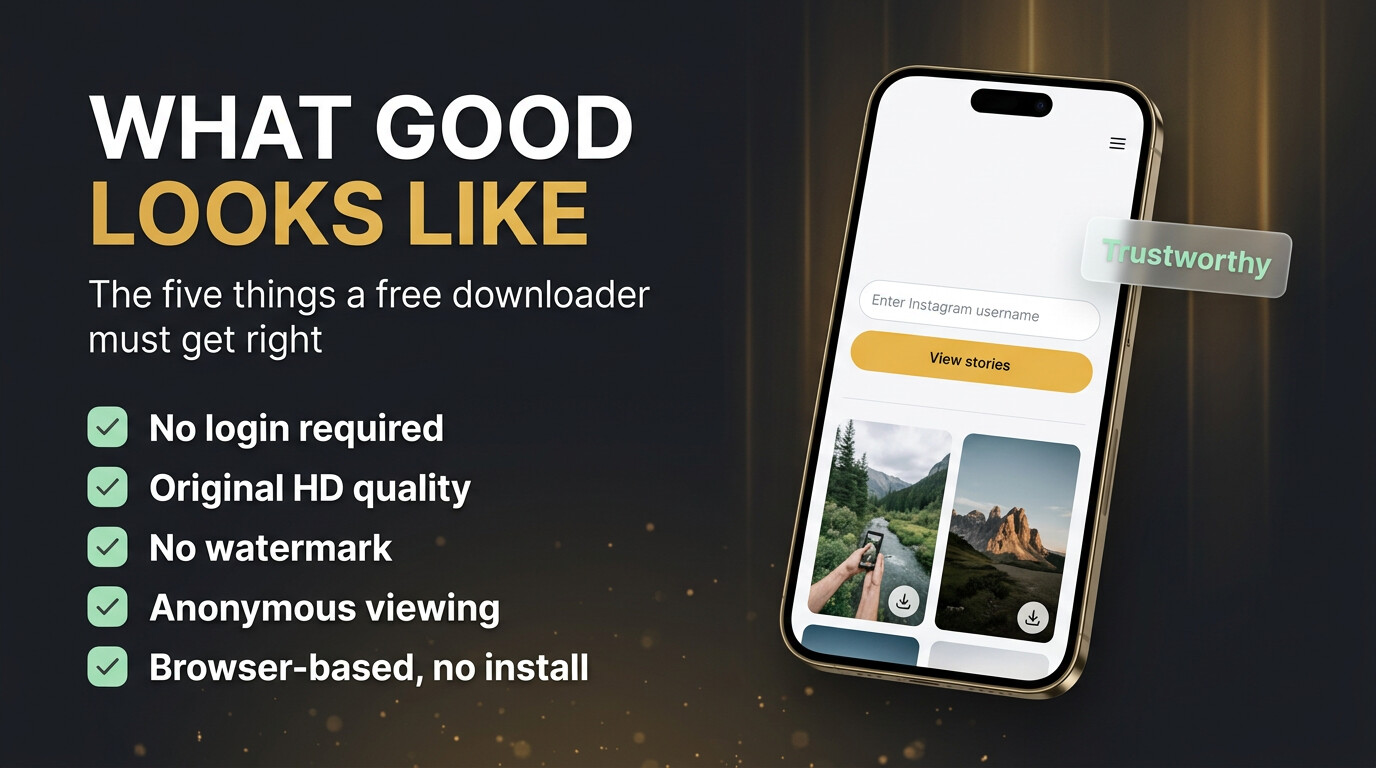
Before any ranking, it helps to agree on what “good” means. A free story downloader earns its place when it ticks these boxes — and most of the junk fails at least one of them.
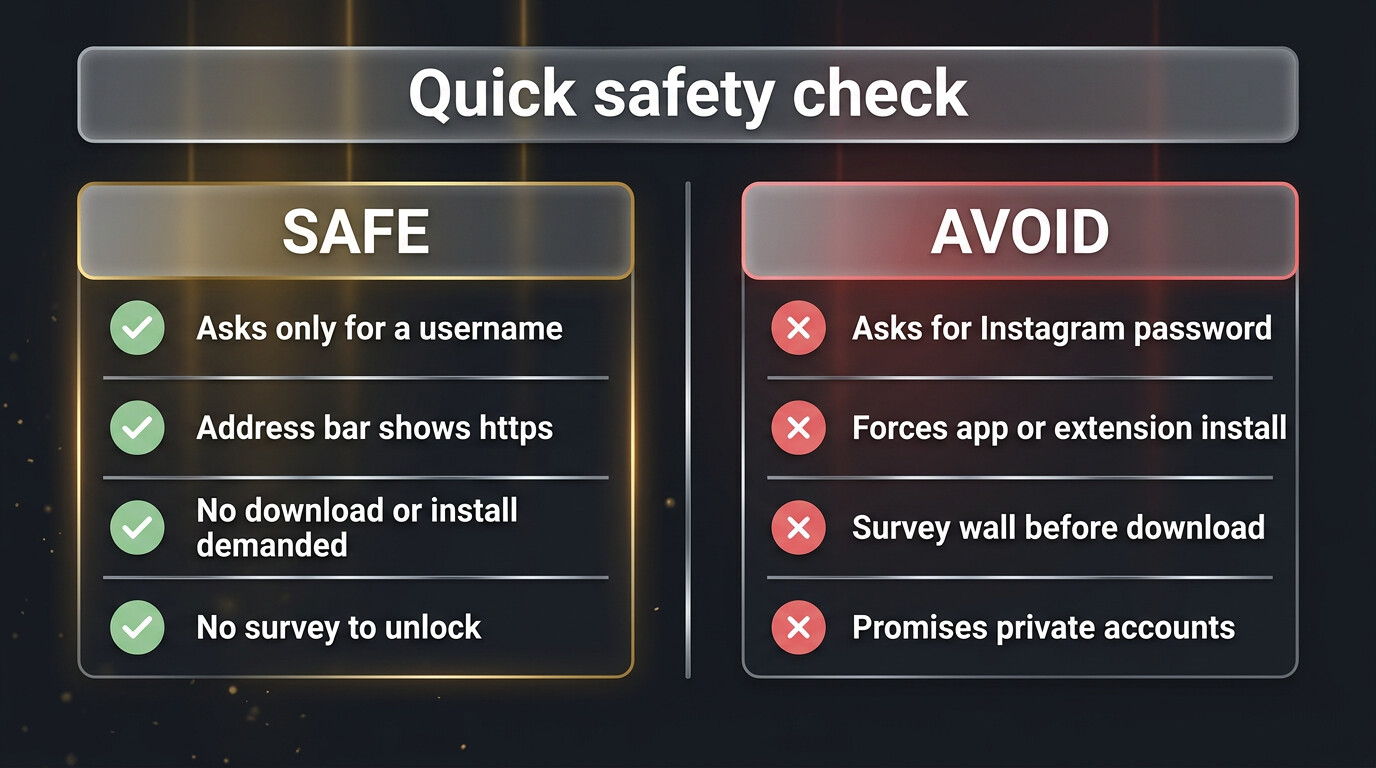
- No login — it asks only for a public username, never your Instagram password.
- Real downloads — it saves the original file, in full HD, ideally with no watermark.
- Anonymous — it fetches server-side, so you never enter the owner’s viewer list.
- No install — it runs in any browser, on phone or desktop.
- Honest — it’s upfront that it works on public accounts only.
The red flags: “free” tools to avoid
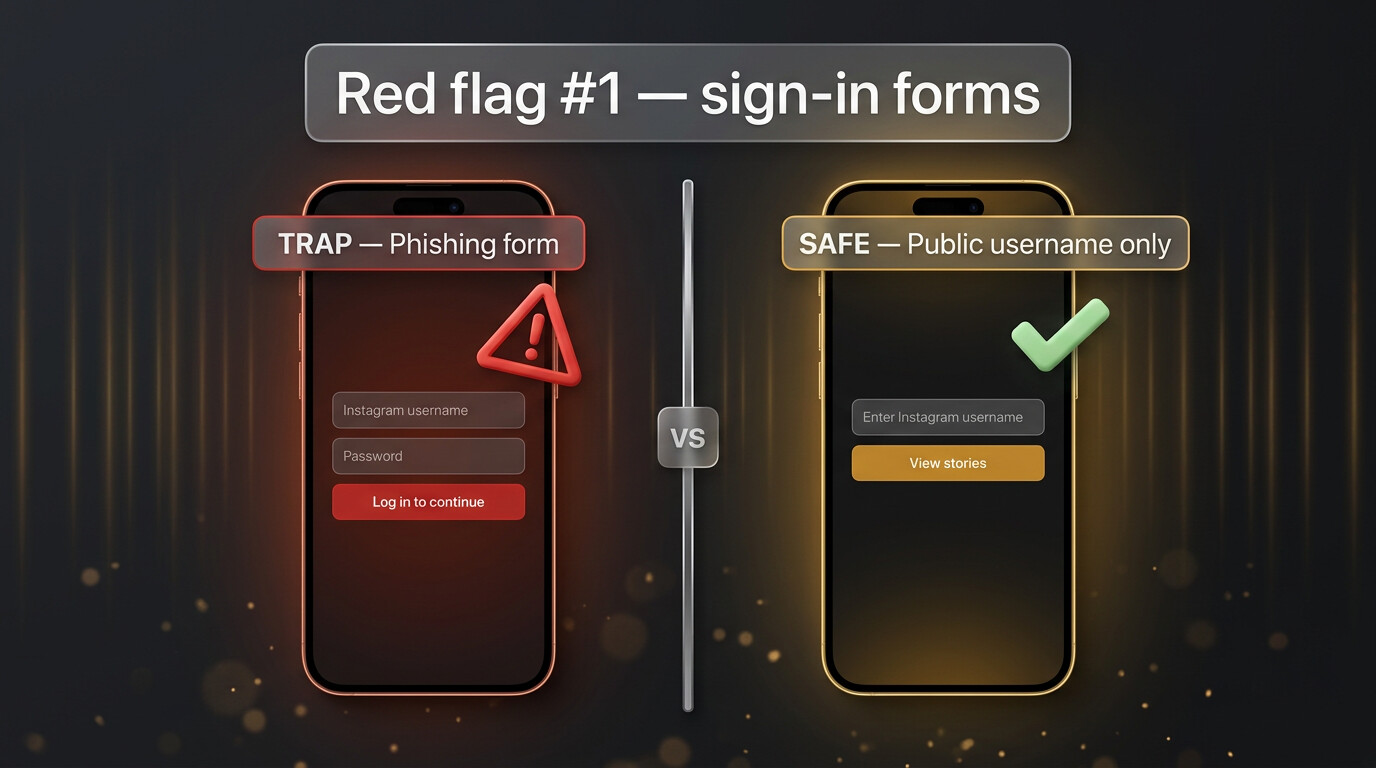
The dangerous “free” tools share obvious tells. The worst is a login form: a downloader that reads public content never needs your Instagram credentials, so a sign-in prompt is a phishing trap designed to steal your account. If you see it, close the tab immediately.
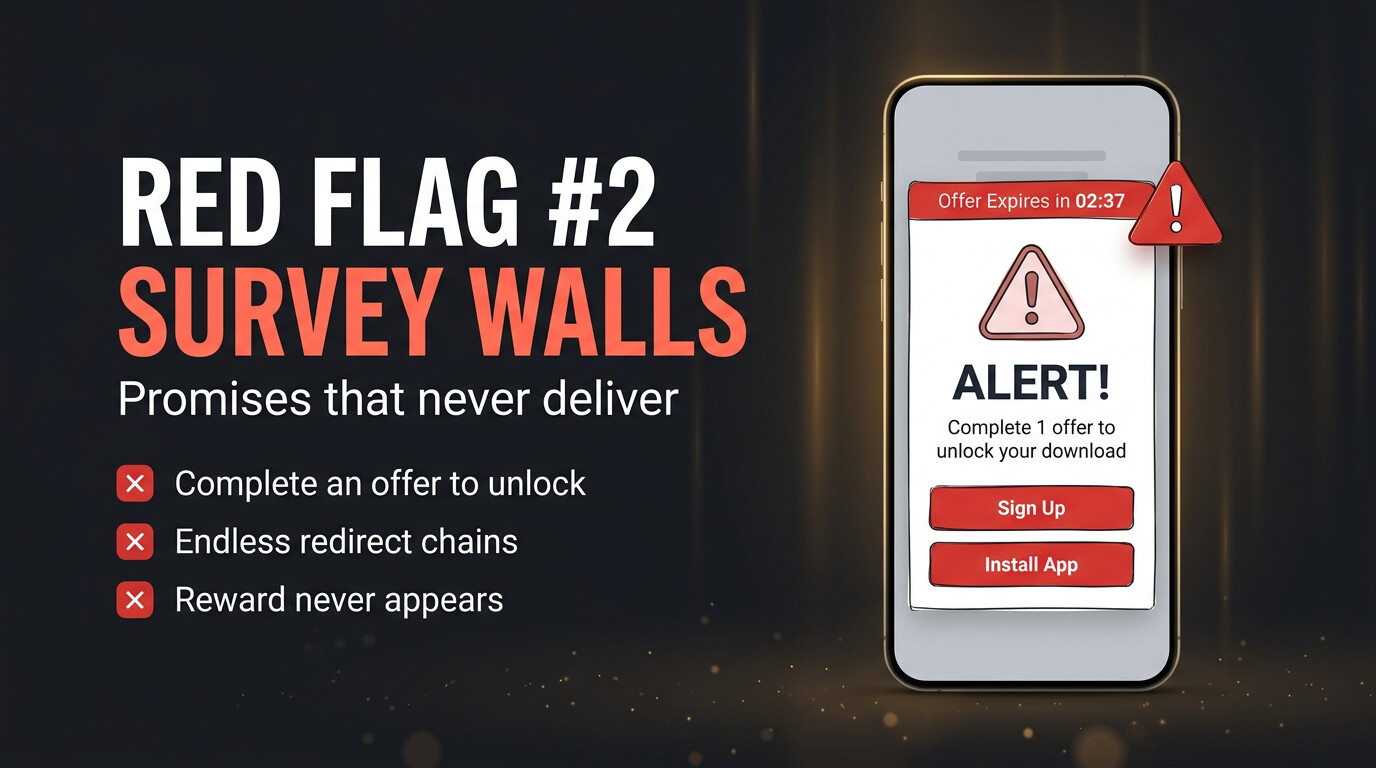
The second tell is the survey wall — “complete one offer to unlock your download” — which feeds scammy ad networks and almost never delivers the file. Add to that forced installs of an “app” or “codec” (malware) and sites promising to “unlock private accounts” (impossible, always a lie).
Quick comparison
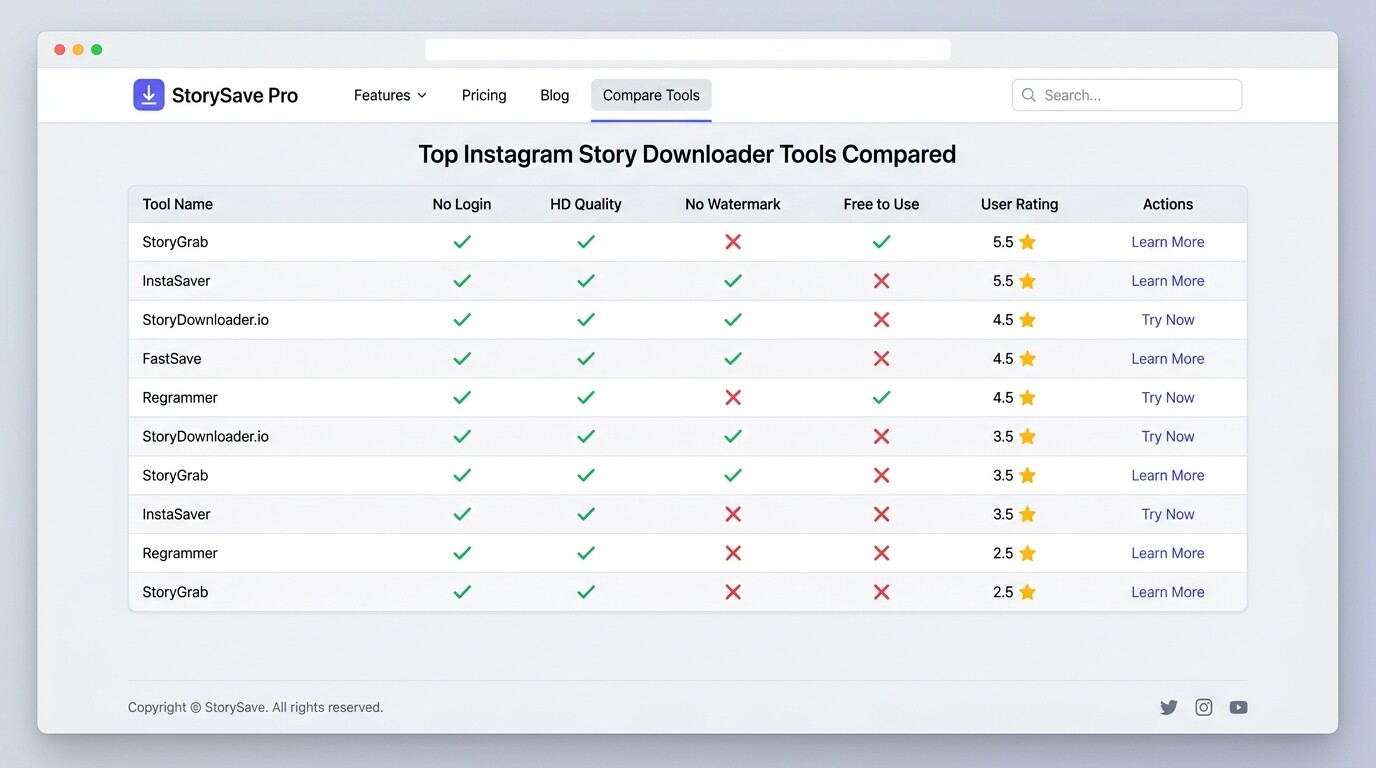
Here’s how the top contenders stack up on the things that matter. The full reviews follow below.
| Tool | No login | HD / no watermark | Anonymous | Ad-light |
|---|---|---|---|---|
| GWAA Story Viewer | Yes | Yes | Yes | Yes |
| StorySaver.net | Yes | Yes | Yes | Ads |
| SnapInsta | Yes | Yes | Yes | Ads |
| iGram | Yes | Yes | Yes | Ads |
| StoriesIG | Yes | Watermark | Yes | Ads |
The 10 best free Instagram story downloaders in 2026
Ranked on the criteria above — anonymity, quality, no-login, honesty and how light the ad experience is.
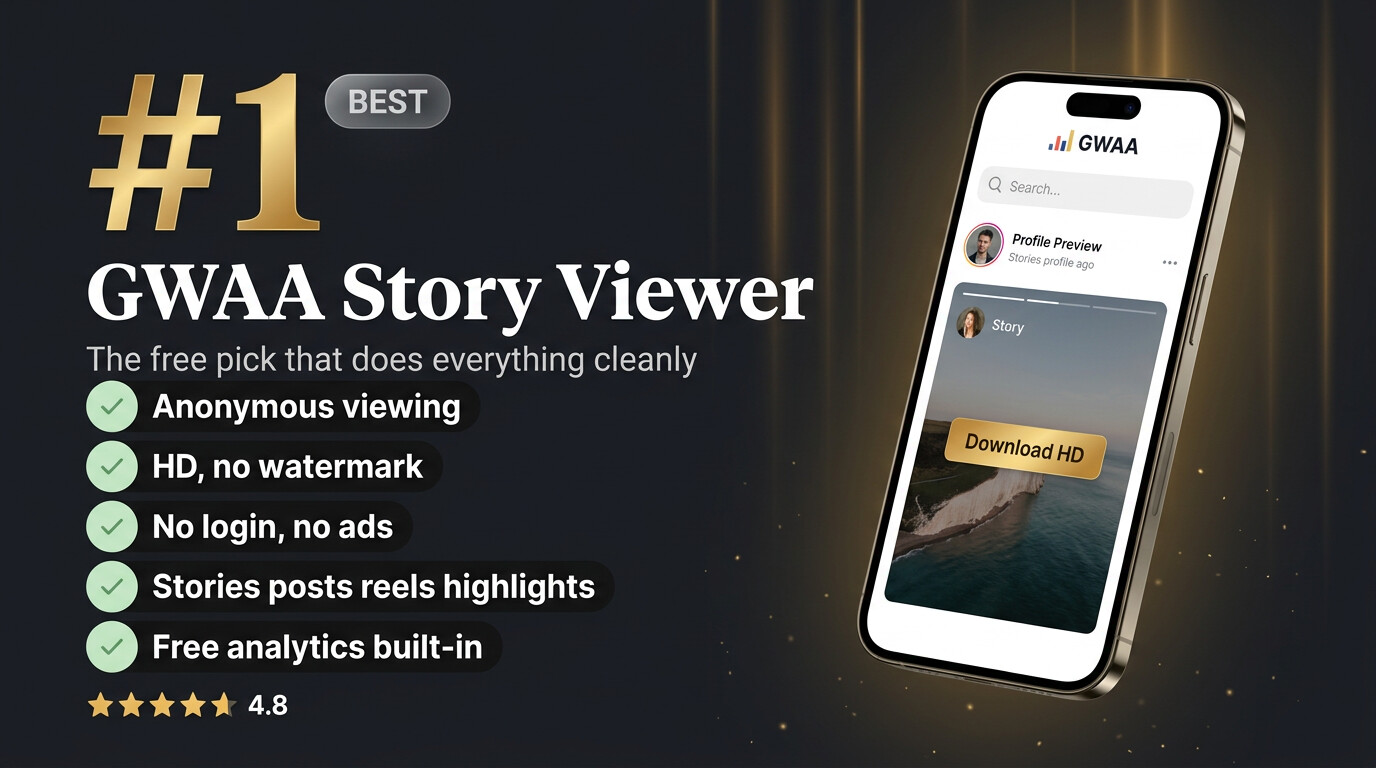
1. GWAA Story Viewer
Best overall — anonymous viewing and HD downloads for stories, posts, reels and highlights — free, no login, no ads.
Pros
- Genuinely anonymous (server-side fetch)
- Stories, posts, reels & highlights
- HD downloads, no watermark
- No login, no ads, no install
- Free profile analytics built in
Cons
- Public accounts only
- Web-based (no native app)
Verdict
If you want one free tool that does everything cleanly, this is the clear winner — the only one here with zero ads and built-in analytics.
2. StorySaver.net
Long-time favourite — one of the oldest story downloaders — reliable HD saves, but a busy, ad-heavy page.
Pros
- Reliable HD story downloads
- No login required
- Handles stories and highlights
Cons
- Heavy ads and pop-ups
- Dated, cluttered interface
Verdict
A dependable workhorse if you can tolerate the ads. Functionally solid, just not pleasant to look at.
3. SnapInsta
Good all-rounder — fast downloads for stories, reels and posts with a clean-ish interface.
Pros
- Fast, works for most content types
- No login
- Decent mobile experience
Cons
- Frequent ad redirects
- Occasional failed fetches on busy profiles
Verdict
A strong free option for quick saves; just be ready to close a pop-up or two.
4. iGram
Multi-purpose — a general Instagram downloader that also handles stories in good quality.
Pros
- Stories, posts, reels and IGTV
- Clean layout
- No account needed
Cons
- Ad-supported
- Stories sometimes load slowly
Verdict
Useful if you download more than just stories — a tidy jack-of-all-trades.
5. SaveInsta
Simple & quick — a no-frills downloader that gets stories onto your device fast.
Pros
- Very simple to use
- No login
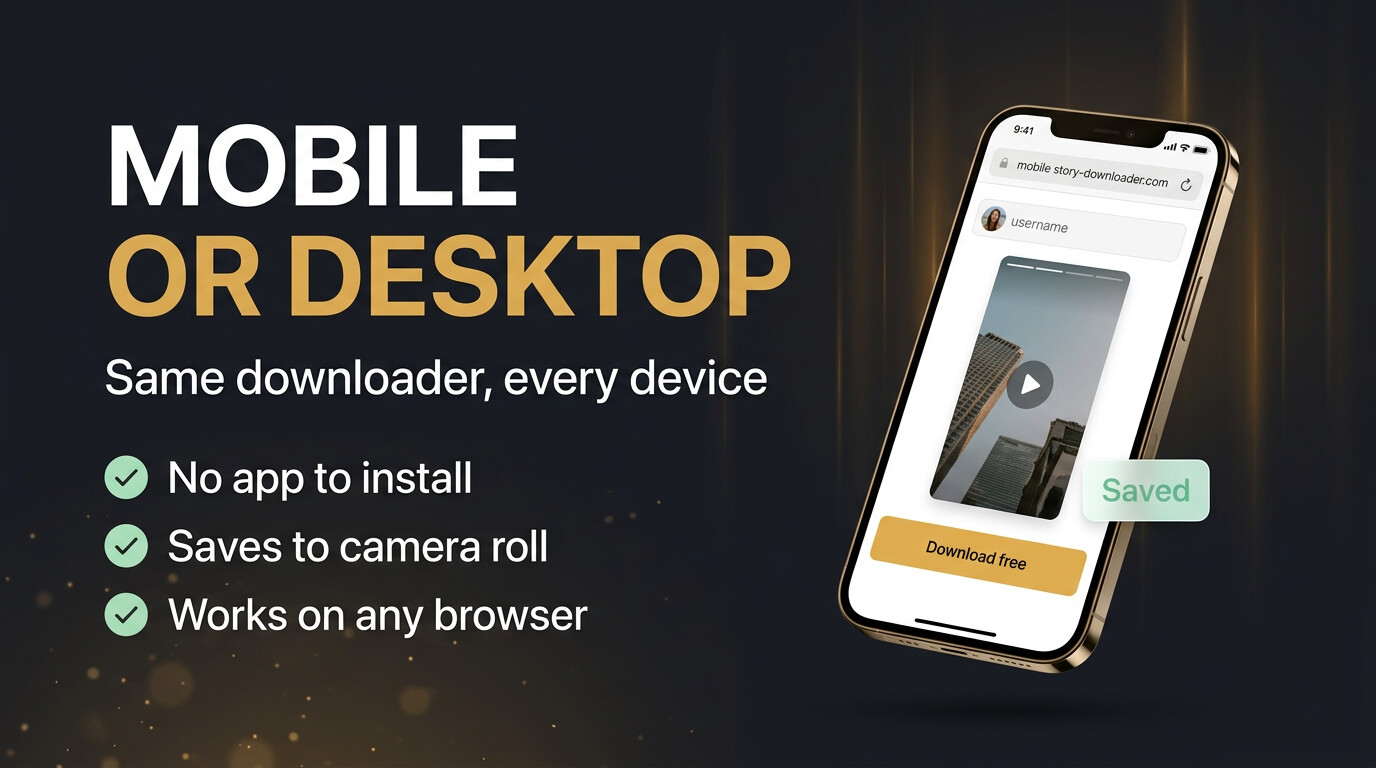
- Works on mobile and desktop
Cons
- Ads between steps
- No highlights support
Verdict
Fine for a fast one-off story save; lighter on features than the leaders.
6. StoriesIG
Anonymous viewing focus — popular for anonymous story viewing, with downloads available too.
Pros
- Good for anonymous viewing
- No login
- Quick to load
Cons
- Adds a watermark on some downloads
- Ad-heavy
Verdict
Better as a viewer than a downloader because of the watermark, but still a usable free option.
7. InstaDP
Profile-photo roots — started as a profile-picture viewer; now downloads stories and more.
Pros
- Also views/downloads profile photos
- No login
- Straightforward
Cons
- Interface feels secondary to ads
- Inconsistent on video stories
Verdict
Handy if you also want full-size profile pictures; story downloads are serviceable.
8. FastDl
Speed-focused — markets itself on fast downloads and generally delivers for stories.
Pros
- Quick downloads
- No account needed
- Clean enough layout
Cons
- Ad redirects
- Highlights support is hit-or-miss
Verdict
A fast, no-login option that does the basics well without standing out.
9. Inflact Downloader
Part of a bigger suite — the free downloader inside a larger paid Instagram marketing toolkit.
Pros
- Reliable story and post downloads
- No login for the downloader
- Backed by an established brand
Cons
- Constant upsells to the paid suite
- Some features gated behind sign-up
Verdict
Works fine for free downloads, but expect to be nudged toward the paid product throughout.
10. Storiesdown
Basic backup — a lightweight viewer-downloader that covers the essentials.
Pros
- Simple anonymous viewing
- No login
- Loads fast
Cons
- Frequent ads
- Limited to stories only, lower reliability
Verdict
A passable backup when another tool is down, but not a first choice.
How to use a free story downloader
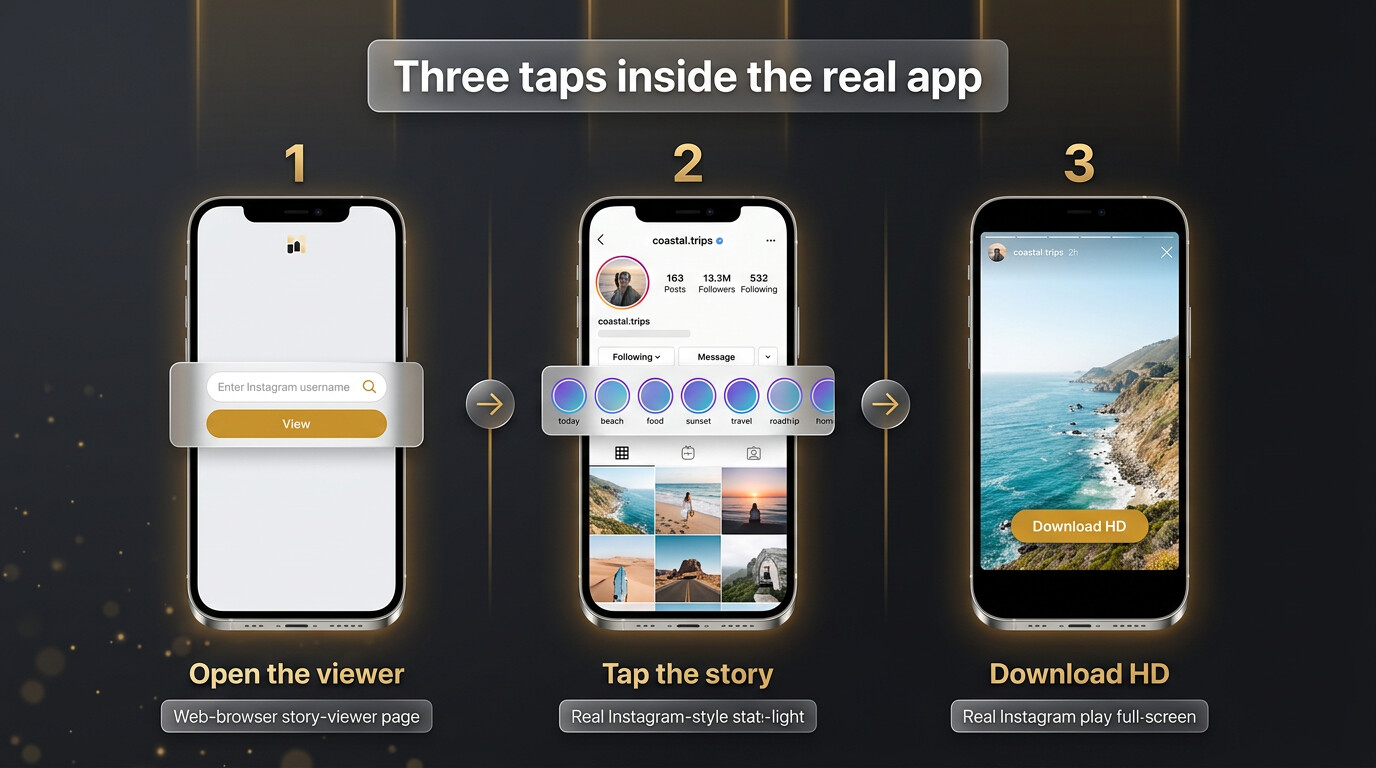
Whichever tool you pick from the list, the process is essentially the same and takes seconds. There’s nothing to install and you never type your own credentials.
Open the tool
In any browser, then copy the public username.
Paste it and load
The profile’s active stories appear.
Download in HD
Saves to your device with no notification to the owner.
Quality: what “free” should still get you
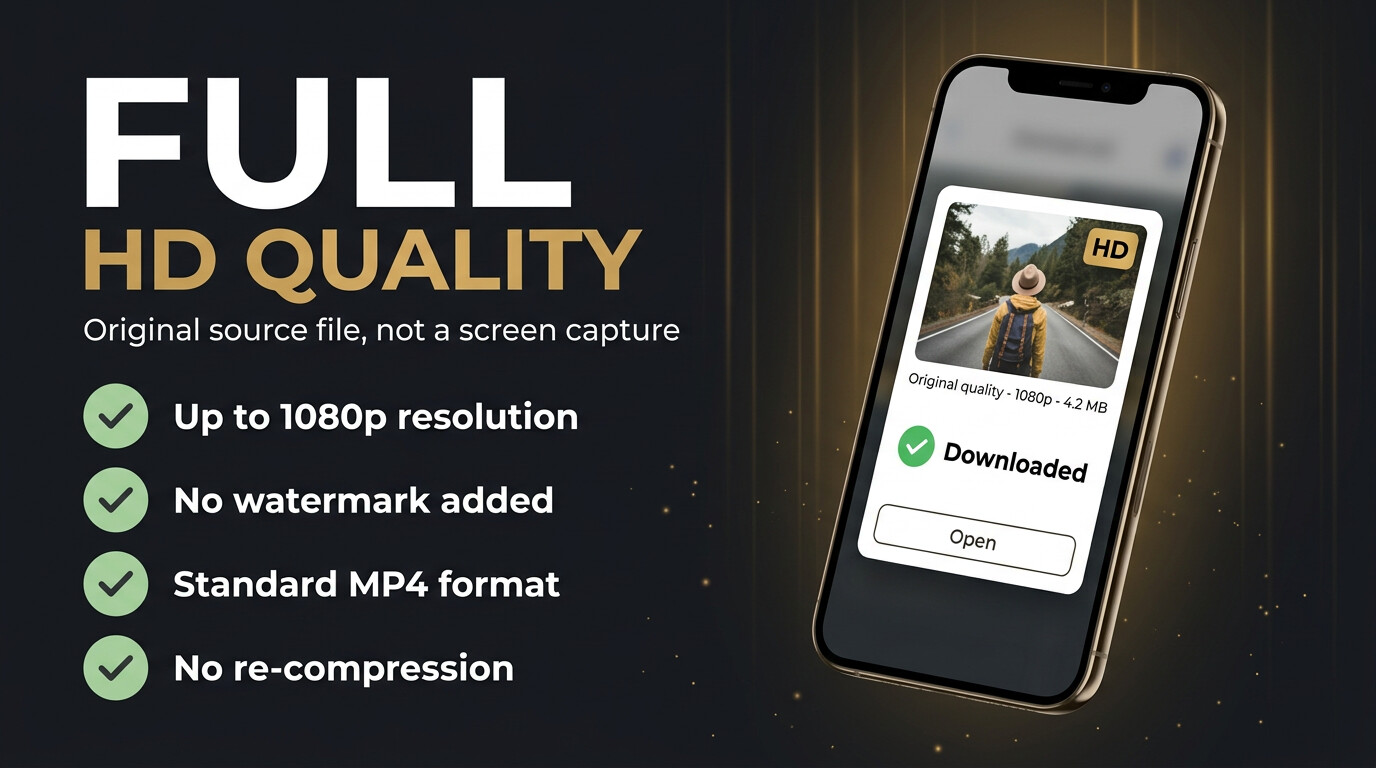
Free should not mean low quality. The best tools hand you the original media file, so a video story saves as a clean MP4 and a photo as a full-resolution image — in most cases with no watermark. That’s far better than screen-recording, which re-compresses the footage and films your interface. If a “free” tool stamps a watermark across everything, treat it as a downgrade and use one that doesn’t.
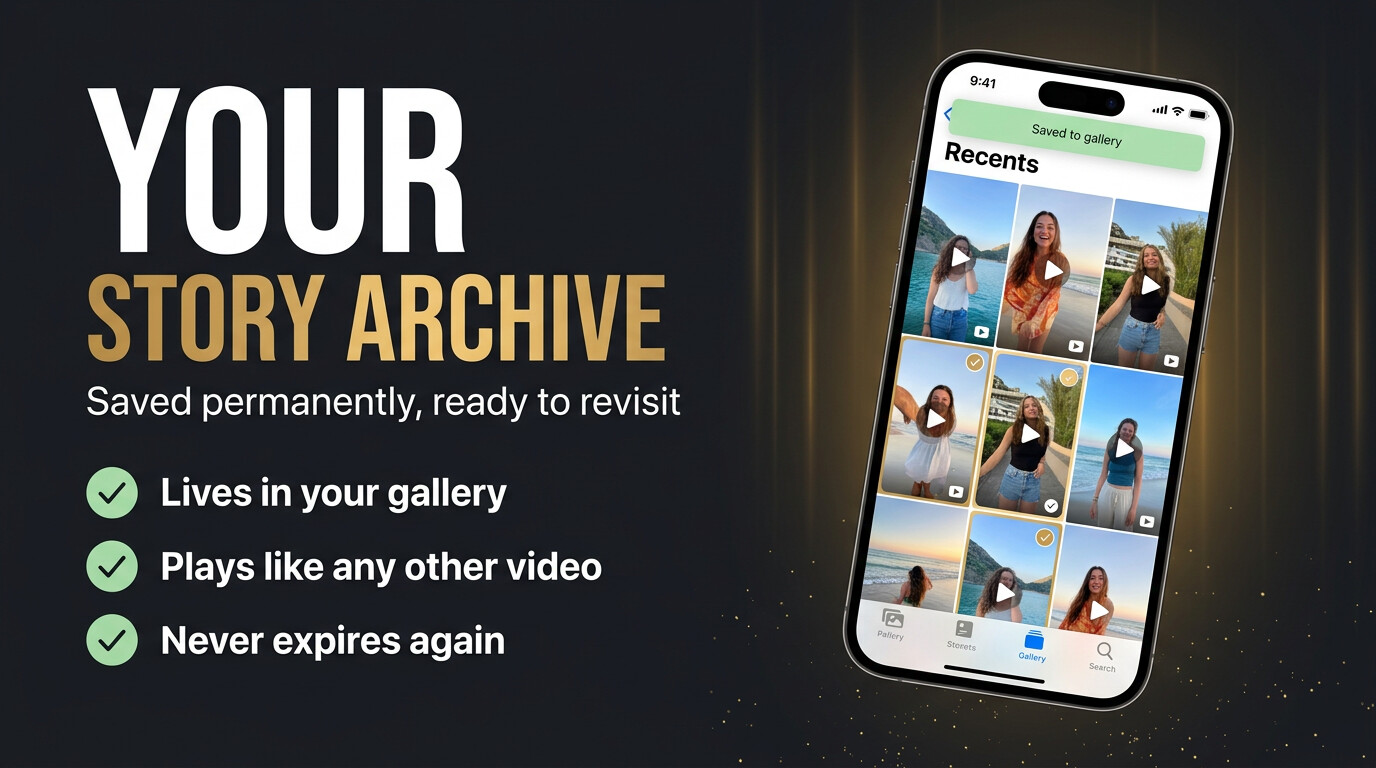
Format matters too. Video stories should download as standard MP4 files and photo stories as JPG or PNG — ordinary formats that play and edit anywhere, with no conversion step needed. A clean MP4 drops straight into a video editor or a presentation; a full-resolution image slots into a moodboard without looking second-hand. That flexibility is the practical payoff of getting the original file instead of a screen recording, and the leading free tools all deliver it. If you mainly save on your phone, the file lands in your camera roll alongside your own photos; on desktop it goes to your downloads folder, ready to organise into project folders.
Staying safe with free tools
Most legitimate free downloaders make money from advertising, which is a fair trade — banners and the odd pop-up are normal and not a danger sign. The line to watch is between “ad-supported” (fine) and “wants your data or your login” (not fine). Use the tool over a normal encrypted connection, never enter your Instagram password, and close anything that demands a survey or a download before it will work.
A quick way to vet any new tool: check the address bar shows https, paste a username and see whether it loads stories without asking for anything else, and watch how it behaves when you press download. A trustworthy tool delivers the file directly; a sketchy one redirects you through offers, asks you to “verify” you’re human several times, or pushes a browser extension. If the flow feels designed to wear you down rather than get you the file, back out and use one of the ranked tools above — there are too many good free options to risk a bad one. And keep ads in perspective: a completely ad-free experience is rare among free tools, which is why GWAA stands out, but a reputable ad-supported tool is still perfectly safe. The danger is never the banner — it’s the login box.
What no free tool can do
Be wary of any free downloader that promises the impossible. Private accounts cannot be downloaded by any browser tool — their stories are restricted by Instagram to approved followers. And a story that has already expired and was never cached is gone. Honest tools say so; scams promise to “unlock” both.
Further reading: Instagram’s own guidance on story features — Instagram Help Center: Stories.
Explore more across GWAA: Download Instagram highlights · Best profile viewer tools


